Speech translation between 39 languages in any direction
Speak Spanish and get Korean, speak Polish and get French. You choose the language you speak once, and Volang remembers it.
Chrome extension
Volang is a voice to text translator: you talk, and a ready-to-send message in the language you need appears right in the input field.
Volang works in Chrome and other Chromium-based browsers on a computer.
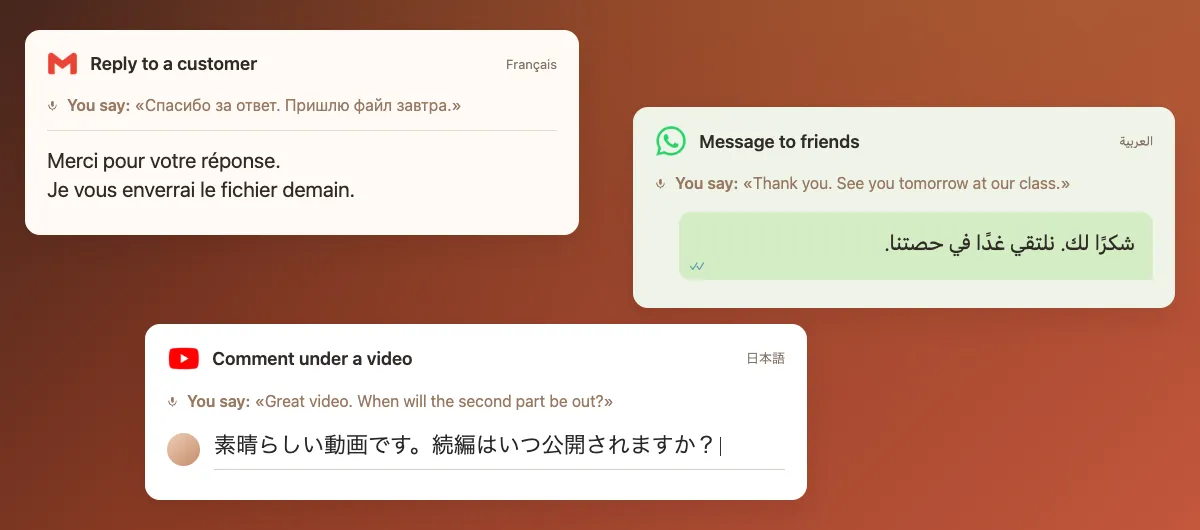
Think in Russian and reply in Japanese. Talk in Turkish and answer in German. Volang removes filler words, sets the right tone and types the result exactly where your cursor is.
Click into a field: an email, a chat message, a comment or a support form.
Click the Volang icon in the Chrome toolbar, then “Start recording”.
Speak, then click “Stop recording”. Your message appears in the field, already translated and cleaned up.
You can also start and stop recording with a shortcut: Alt+Q by default, ⌥Q on Mac. If Chrome has not assigned it, set a shortcut in Chrome settings.
Speak Spanish and get Korean, speak Polish and get French. You choose the language you speak once, and Volang remembers it.
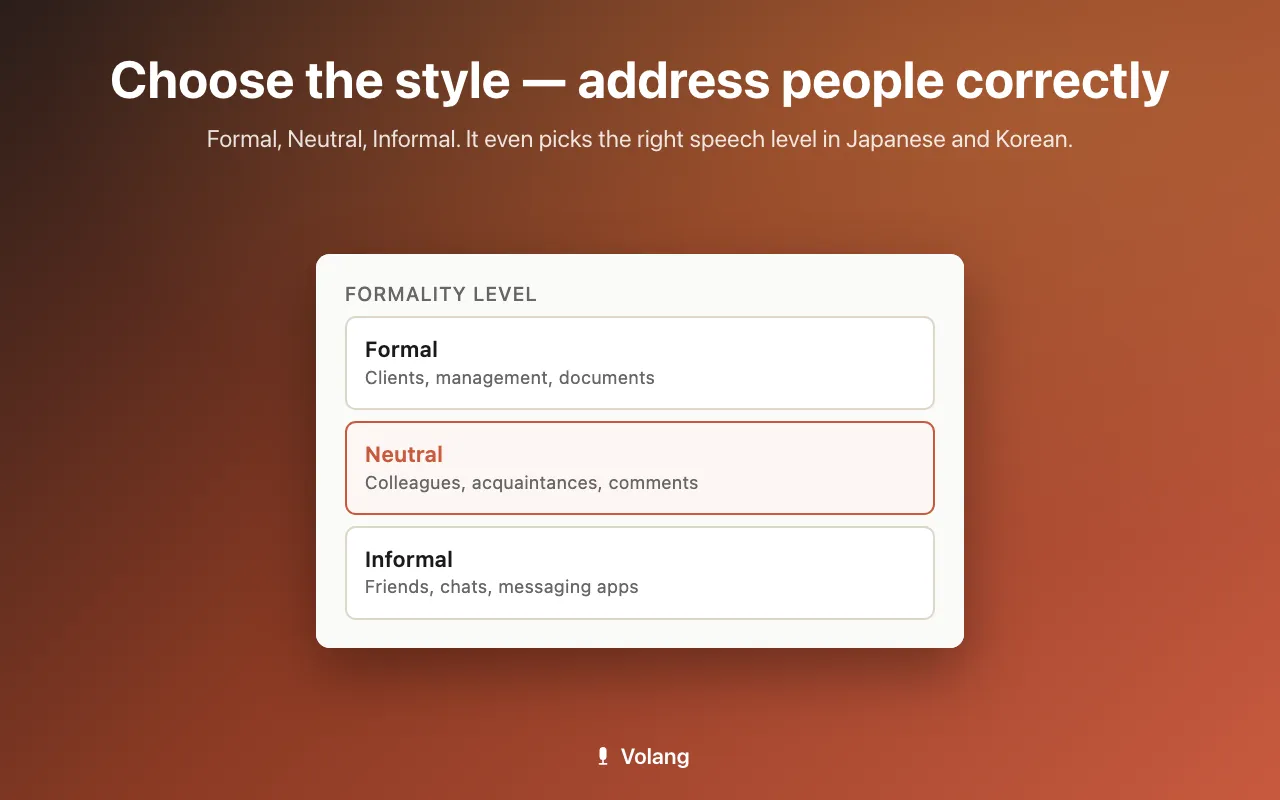
Formal for clients, managers and documents, Neutral for colleagues and comments, Informal for friends and group chats.
The formal or informal you in German, French or Russian, polite speech levels in Japanese and Korean, the respectful form in Chinese.
Ums, repeats and self-corrections disappear, and punctuation follows the rules of each language.
Choose the language you speak as the output, then dictate to get clean, punctuated sentences.
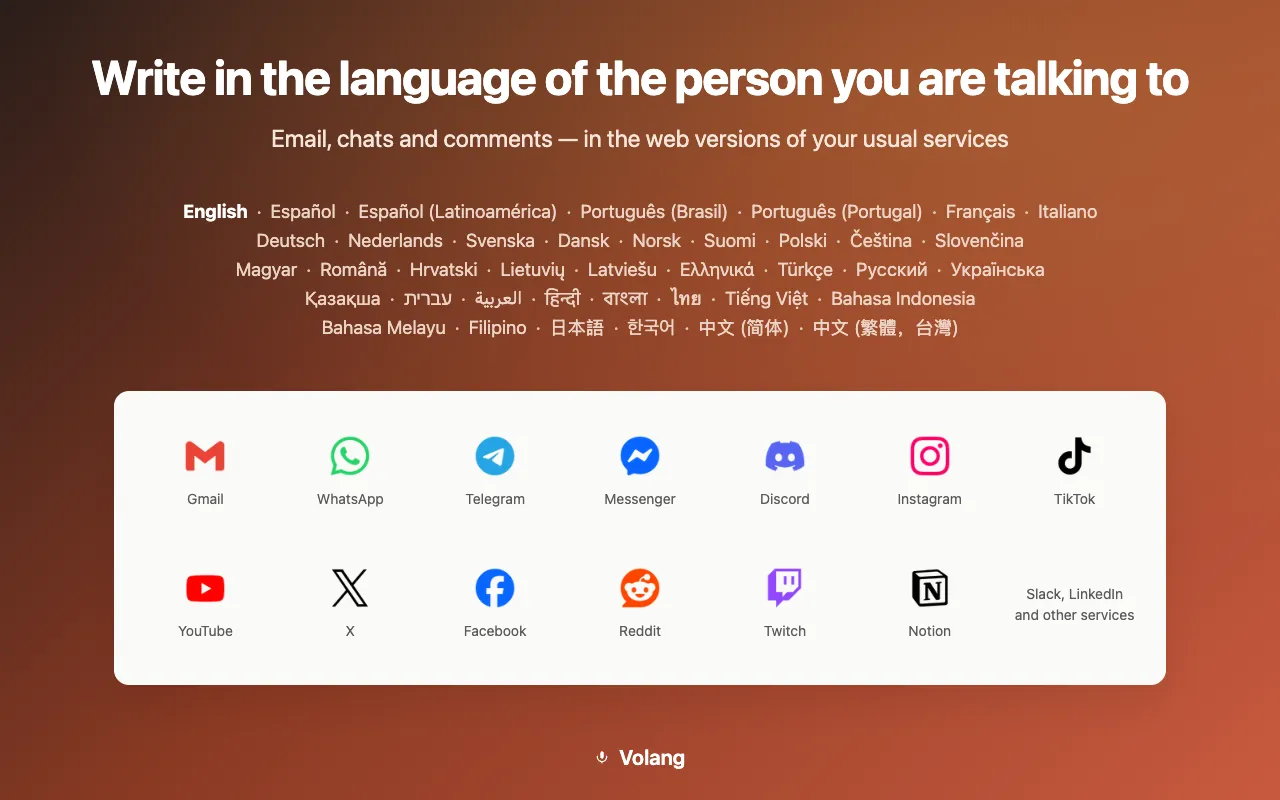
Volang inserts text into supported fields on the sites you already use, in their web versions:
For example: WhatsApp Web, LinkedIn, Instagram and TikTok. Everything happens on the page, with no extra app. If a field does not accept the text, you can copy the result and paste it manually.
Marketplace sellers who answer buyers from other countries.
Support agents who reply to customers in several languages.
Freelancers who write to clients abroad every day.
Expats who handle everyday messages in a new language.
Viewers of foreign videos and blogs who want to comment in the language of the channel.
People who chat across languages, from dating sites to language exchange.
A regular dictation app writes down what you said in the language you spoke. Volang also translates your message into the language and tone you selected, without filler words. The result appears in your text field, so you can stay in the conversation without switching windows.
Volang does not yet insert text directly into the main document in Google Docs or Word Online. The result is copied to your clipboard instead, and you paste it with Cmd+V or Ctrl+V.
An internet connection is required: speech recognition and translation run on cloud AI models.
Volang works in Chrome and other Chromium-based browsers on a computer.
English • Español • Español (Latinoamérica) • Português (Brasil) • Deutsch • Français • Nederlands • Italiano • Polski • Русский • Українська • Türkçe • Svenska • Dansk • Norsk • Suomi • Čeština • Română • 日本語 • 한국어 • עברית • 中文 (简体) • Bahasa Indonesia • العربية • हिन्दी • বাংলা • Tiếng Việt • ไทย • Bahasa Melayu • Filipino • 中文 (繁體,台灣) • Ελληνικά • Português (Portugal) • Lietuvių • Latviešu • Magyar • Hrvatski • Slovenčina • Қазақша.
No. Speak and translate in any direction between the 39 languages. English is just one of them.
Both: keep your own language for dictation, or choose another language to translate what you say. Both options work in the same window.
Yes. Recording stops when you press the button again, or after a longer silence.
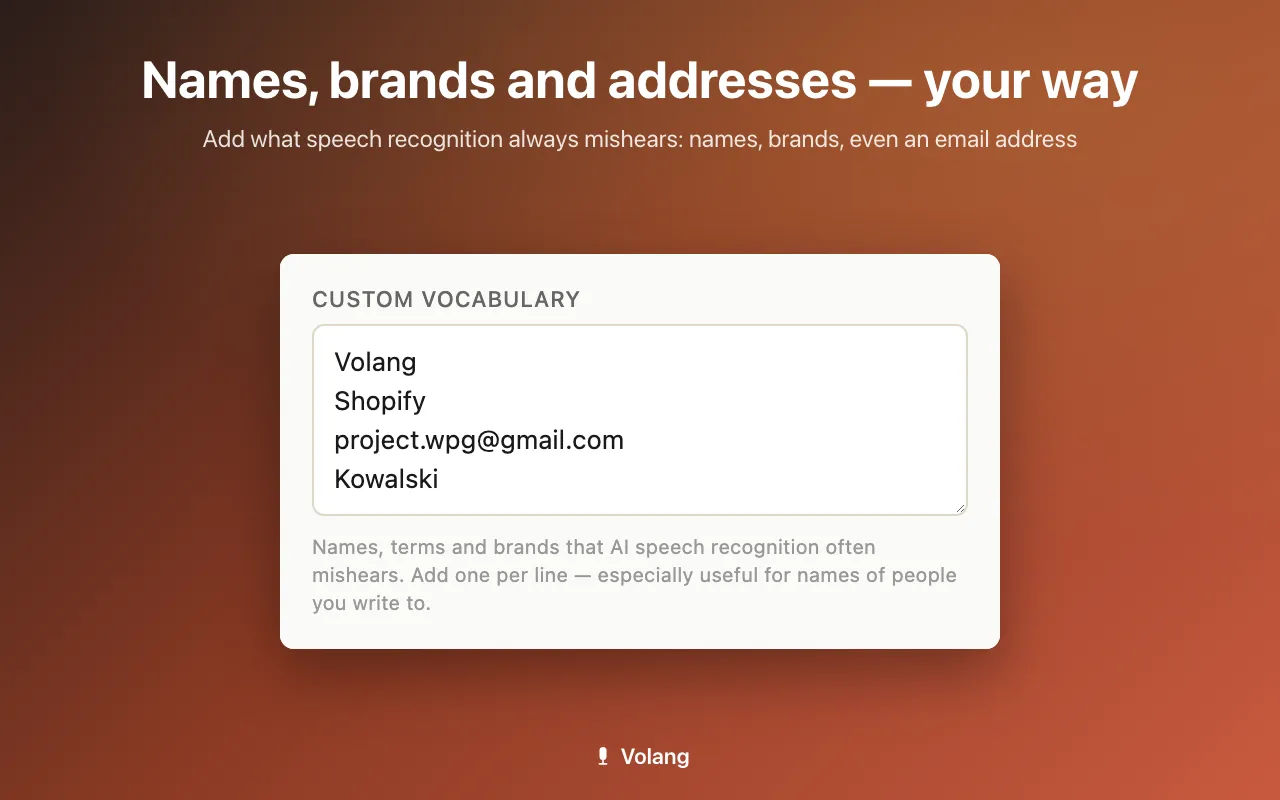
Add them to your vocabulary, and Volang will use your spelling when it recognizes them.
No sign-up and no keys. During setup, allow Volang to use the microphone and consent to cloud processing of your speech.
They are processed by cloud AI models only to create your message. Volang does not save recordings or text in the extension's persistent storage or on its own server. Temporary text for insertion, corrections and undo stays in the open page's memory; providers' retention terms are described in the privacy policy.
Only with your permission, we add the site's name to the technical report sent to the Volang server when text goes to the clipboard, is not inserted or cannot be copied. This helps us improve compatibility with websites. Only the main domain (for example, linkedin.com) is sent, without the page address, parameters, document names, audio or text. This is optional, separately enabled from regular technical usage statistics, and off by default.
Volang works in Chrome and other Chromium-based browsers on a computer.